
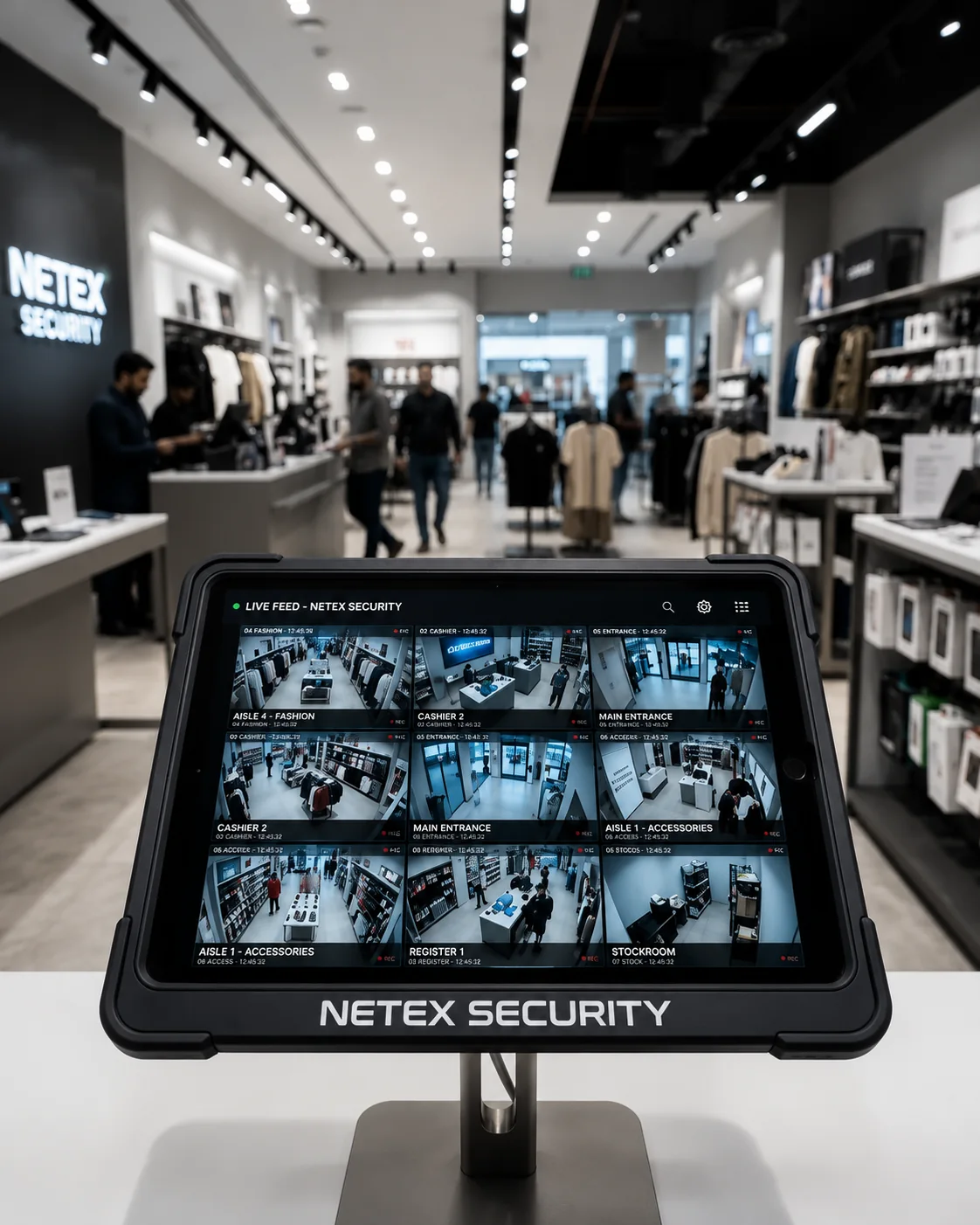
How Netex Live Monitoring Works
Eight steps from first review to daily reporting. Every one of them is written down before monitoring starts, so nobody is guessing about your business when something happens.
CCTV Risk Review
We start by looking at what you already have. Camera coverage, blind spots, how the system is accessed, your operating hours, and the risks specific to your site and sector.
- Where your cameras point and what they actually see
- Blind spots at entrances, perimeters, tills, and stock areas
- How the system is currently accessed and by whom
- Operating hours, closing routines, and quiet periods
- The losses and incidents you have experienced before
Compatibility Check
We confirm whether your existing camera, NVR, DVR, or cloud platform can be monitored securely. If part of your system cannot, you are told at this stage rather than after you have signed something.
- Recorder or platform accessibility through a client-created account
- Image quality and frame rate at the hours you need monitored
- Upload bandwidth available for the number of feeds involved
- Whether audio output exists, if audio warnings are wanted
- A written note of any camera that is not suitable, and why
Monitoring Protocol
This is the document that governs everything afterwards. You define it; we execute it. Nothing is improvised at three in the morning.
- Monitoring schedule, including which days and which hours
- Which camera areas matter most and what should draw attention
- Alert contacts, with their preferred channel
- Escalation sequence and what happens if a contact does not answer
- Emergency instructions and any authority-contact authorisation
- Reporting requirements and distribution
- Audio-warning permissions, where the system supports it
Secure Access
You create named accounts with the permissions the work requires. We never ask for owner logins, shared passwords, or credentials belonging to an employee.
- Named, role-based accounts issued by you
- Least-privilege permissions limited to the agreed scope
- Multi-factor authentication where the platform supports it
- Access removable by you at any time, immediately
Live Monitoring
Trained operators observe your camera feeds according to the selected schedule, with attention weighted toward the zones you marked as important.
- Operators on shift, watching, for the hours you selected
- Priority zones checked more frequently than background coverage
- Notable events logged with a timestamp and camera reference
- Camera faults noticed and reported the same shift
Verification
Operators assess visible activity before reporting or escalating it. This is the step that stops you being called about a cat.
- The activity is identified and the camera noted
- Adjacent cameras checked where they add context
- The scene is assessed against your escalation threshold
- Events below threshold are logged rather than escalated
Alerts and Escalation
Where activity meets your threshold, escalation begins immediately and follows the sequence you approved, with live updates while the situation develops.
- Delivered by phone call, WhatsApp, SMS, or email
- Escalated to the owner, manager, on-site guard, or emergency contact
- Alarm company or relevant authorities, strictly per your instructions
- Each contact attempt logged with a timestamp
Reporting
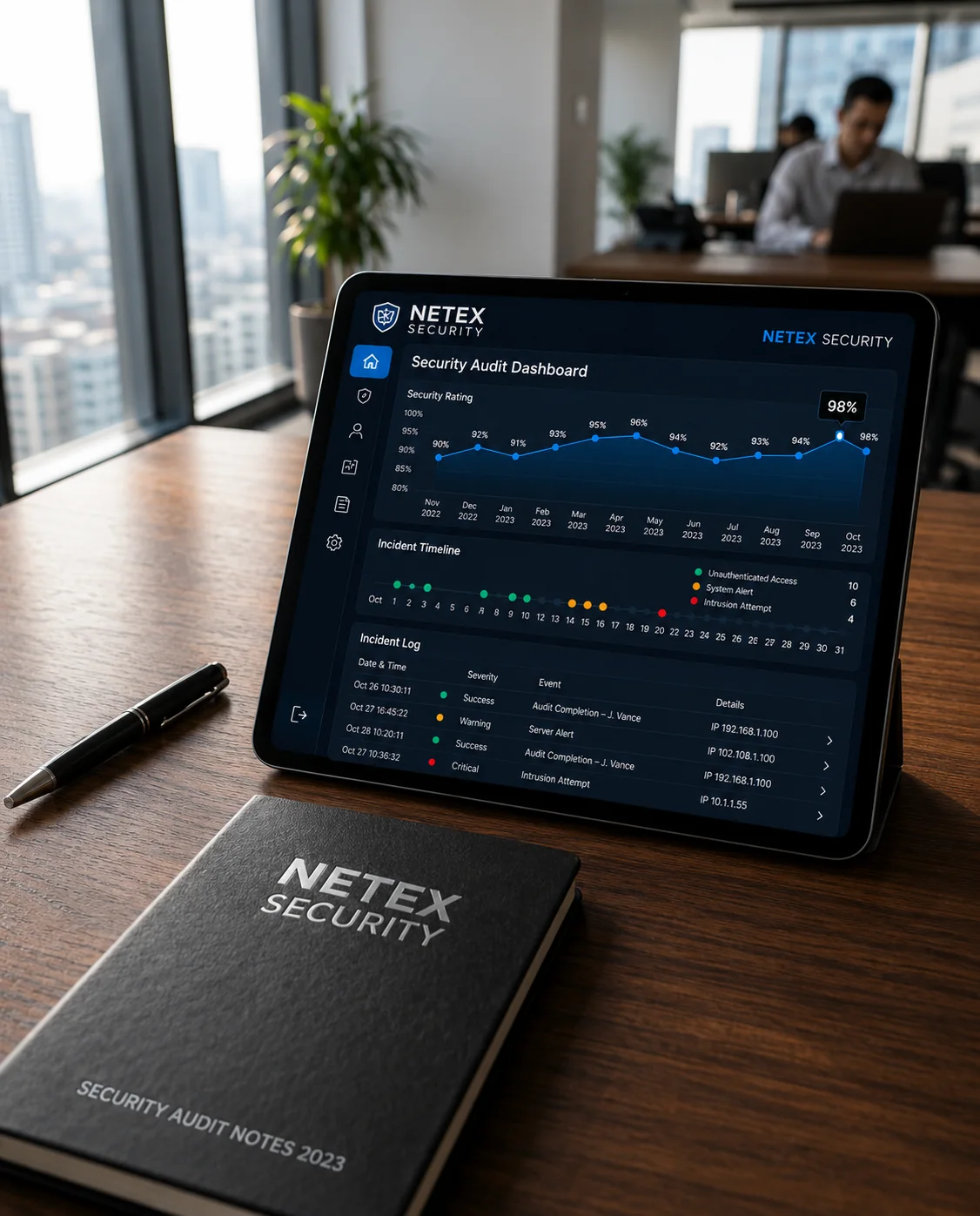
Everything observed is written up in a consistent format, so a report from one site can be compared against another and against last month.
- Daily activity reports and incident reports
- Weekly and monthly summaries
- Event timestamps and camera references for footage retrieval
- Incident screenshots or clips, where authorised
- Operational exception reports where those services are active
What You Should Know Up Front
The conditions that shape every engagement, stated before you commit rather than afterwards.
Operators work under confidentiality obligations. We do not use facial recognition, do not profile individuals, and never monitor bathrooms, changing rooms, or other private areas. See the Security and Confidentiality Policy.
Access is granted through named accounts you create, with least-privilege permissions. We never use shared logins. See the Authorized Account Access Policy.
Our operators monitor visible activity within the available camera coverage. Netex Security does not guarantee that all theft, crime, loss, misconduct, or emergencies will be detected or prevented.
Monitoring depends on your connection. Where a feed becomes unreachable we report it, but activity during an outage is not observed.
Not every system can be monitored. Where a camera or recorder is unsuitable, we say so during the compatibility check and explain what would need to change.
Escalation follows your approved protocol. We do not attend sites, hold keys, or dispatch guards, and we cannot guarantee whether or how quickly authorities respond.
Run the Whole Process on Your Own Cameras First
The security test is not a demonstration on someone else's footage. It runs the full process on your site: review, compatibility check, protocol, secure access, three monitored nights, and written reports.
At the end you have something more useful than a sales conversation: a document describing what your cameras actually cover and what happened on three nights when somebody was watching them.
Questions about the process
How long does setup take?
From risk review to first monitored night is typically a few working days for a single site. The variable is usually access: how quickly credentials can be issued and tested on your system.
What internet connection do we need?
Enough upload bandwidth to carry the feeds being monitored. Requirements scale with camera count and resolution and are confirmed in the compatibility check, not guessed at afterwards.
What happens during the three-night security test?
The same process, compressed. We complete the risk review and compatibility check, agree a short monitoring protocol and escalation list, monitor for three nights, and issue reports covering what was observed. You keep the findings whether or not you continue.
Can we change the protocol later?
Yes, in writing, at any time. Protocols age badly as staff and layouts change, and reviewing them is part of a long-running engagement.
Start with a review, not a contract
Request a free CCTV risk review and three nights of live human monitoring using your compatible existing cameras. No new equipment purchase is required.
- Existing CCTV coverage reviewWe look at what your cameras currently see, and what they do not.
- Camera compatibility reviewWe confirm whether your NVR, DVR, or cloud platform can be monitored securely.
- Monitoring-gap identificationBlind spots, unmonitored hours, and unclear escalation paths are documented.
- Three nights of live human monitoringTrained operators watch your feeds on an agreed schedule.
- Monitoring and incident reportsYou receive written reports covering what was observed.
- No new CCTV equipment requiredThe test runs on the cameras you already own.